

Asnote-taking and knowledge management continue to evolve, many users are seeking alternatives to Obsidian, a popular tool known for its bidirectional linking and markdown support. In 2024, several contenders have emerged that offer unique features tailored to different needs. This blog post delves into five of the best Obsidian alternatives: Logseq, Capacities, Anytype, Roam Research, and Notion.
1. Logseq

Overview:
Logseq is an open-source outliner that emphasizes a structured approach to note-taking. It organizes notes in a bullet-point format, making it easy to create hierarchies of information. Key Features:
- Markdown Support: Like Obsidian, Logseq uses markdown for note formatting, ensuring compatibility with various text editors.
- Local Storage: Notes are stored locally, providing users with full control over their data.
- Community Plugins: With over 150 plugins available, users can customize their experience significantly.
- Syncing Capabilities: Logseq has introduced beta syncing options, allowing users to access their notes across devices.
Pros:
- Strong community support and frequent updates.
- Ideal for users who prefer a structured outline format.
Cons:
- The interface may feel less intuitive for those accustomed to free-form note-taking styles.
2. Capacities
Overview:
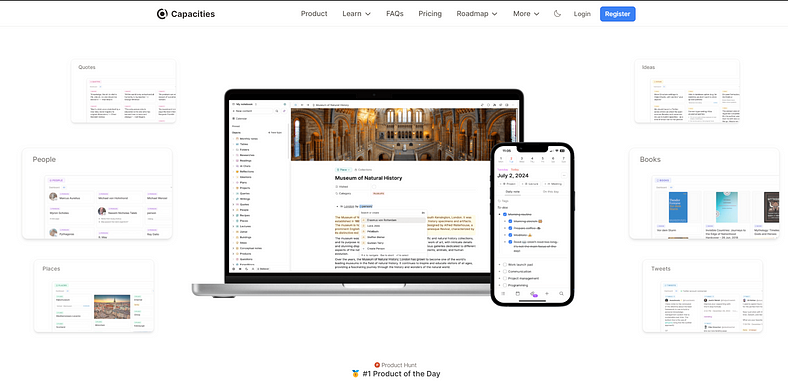
Capacities is designed for individuals and teams looking to streamline their workflow. It combines note-taking with project management features, making it versatile for various use cases. Key Features:
- Integrated Task Management: Users can create tasks directly within their notes, linking them to relevant information.
- Collaboration Tools: Capacities allows multiple users to work on shared notes and projects in real-time.
- Visual Organization: The app offers visual layouts that help in organizing thoughts and tasks effectively.
Pros:
- Excellent for team collaboration and project management.
- User-friendly interface that caters to both novice and experienced users.
Cons:
- Some features may be overwhelming for those looking solely for a note-taking app.
3. Anytype
Overview:
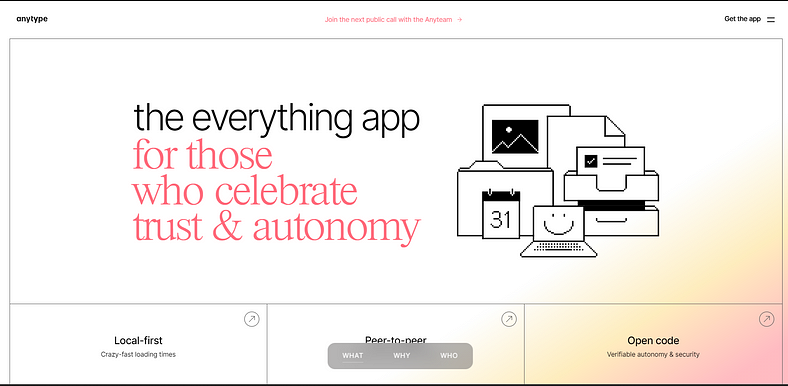
Anytype is a relatively new player in the note-taking arena, focusing on privacy and data ownership. It allows users to create a personal knowledge base that is entirely offline if desired. Key Features:
- Data Ownership: Unlike many cloud-based apps, Anytype emphasizes local storage and user control over data.
- Customizable Templates: Users can create templates tailored to their specific needs, enhancing productivity.
- Linking Capabilities: Similar to Obsidian’s graph view, Anytype allows users to link notes in meaningful ways.
Pros:
- Strong focus on privacy and user control.
- Flexible structure that accommodates various types of content.
Cons:
- Still evolving; some features may be less polished compared to established competitors.
4. Roam Research
Overview:
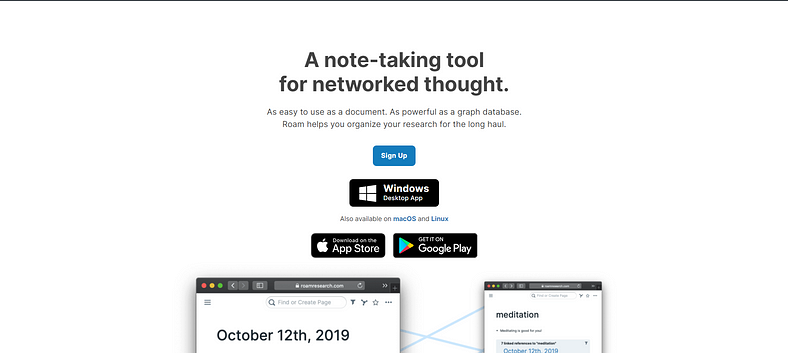
Roam Research is renowned for its unique approach to note-taking through networked thought. It encourages users to create connections between ideas seamlessly. Key Features:
- Bidirectional Linking: Like Obsidian, Roam allows users to link notes back and forth easily.
- Daily Notes Feature: Users can capture thoughts daily, promoting regular reflection and idea generation.
- Graph View: Visualize connections between notes with an interactive graph layout.
Pros:
- Ideal for researchers and writers who thrive on interconnected ideas.
- Encourages a non-linear approach to note-taking.
Cons:
- Subscription-based pricing may deter some users; it can be complex for newcomers.
5. Notion
Overview:
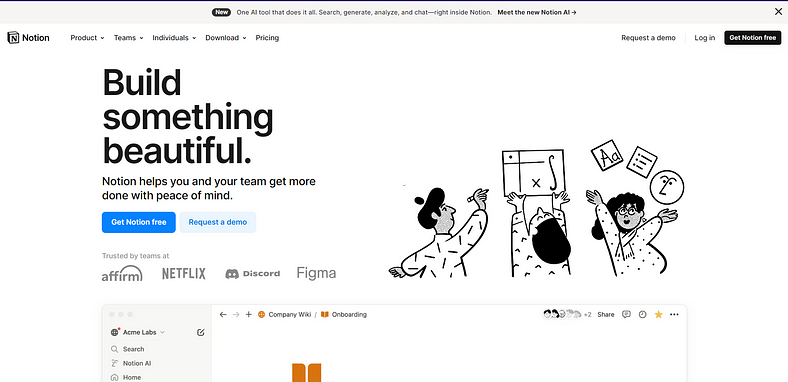
Notion is a highly versatile tool that combines note-taking with database functionalities. Its flexibility makes it suitable for both personal use and team collaboration. Key Features:
- Custom Databases: Users can create databases tailored to their projects or workflows.
- Rich Media Support: Notion supports various media types, including images, videos, and code snippets.
- Templates Galore: A wide range of templates helps users get started quickly without needing extensive setup time.
Pros:
- Extremely customizable; suitable for diverse use cases from project management to personal journaling.
- Strong community support with numerous shared templates available online.
Cons:
- The learning curve can be steep due to its extensive feature set.
Conclusion
Choosing the right note-taking application depends on your specific needs — whether you prioritize privacy, collaboration, or versatility. Each of these alternatives offers distinct advantages that cater to different user preferences:
- Logseq stands out for its open-source nature and structured approach.
- Capacities excels in integrating project management with note-taking.
- Any type prioritizes user control over data while offering customizable templates.
- Roam Research fosters interconnected thinking through its unique linking capabilities.
- Notion provides a comprehensive solution with its database functionalities and rich media support.
As you explore these options in 2024, consider what features matter most to you and how each tool aligns with your workflow.
 Dark Legion