
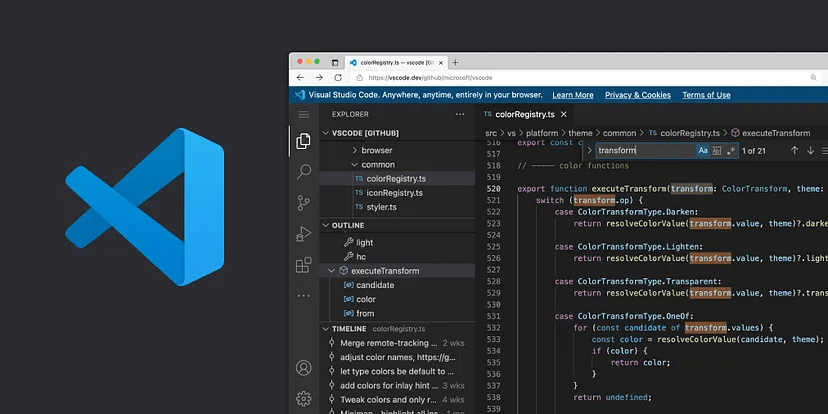
VScode is a popular and powerful code editor used by developers worldwide. It offers a wide range of features and customization options that can significantly improve your coding productivity. In this blog post, we’ll explore five of the best tips and tricks for maximizing your efficiency and effectiveness in VScode.
- Use Multiple Cursors: One of the standout features of VScode is its ability to handle multiple cursors. By holding down the “Alt” key and clicking at different locations, you can place multiple cursors and edit multiple lines simultaneously. This feature is especially handy when making repetitive changes or performing batch edits.Integrate Extensions: Extend the functionality of VScode by leveraging its vast collection of extensions. Visit the VScode marketplace to discover useful extensions like “Live Server” for real-time webpage previews and “Code Spell Checker” for catching typos. Integrate extensions that align with your development needs to supercharge your workflow.Master Keyboard Shortcuts: Learning and utilizing keyboard shortcuts is a game-changer when it comes to coding speed and efficiency. Familiarize yourself with essential shortcuts such as “Ctrl + P” for quick file search, “Ctrl + /” for toggling line comments, and “Ctrl + Shift + L” for selecting all occurrences of a word. By incorporating these shortcuts into your coding routine, you’ll save valuable time and reduce repetitive mouse movements.Customize Your Theme: Make VScode truly your own by customizing its appearance. Choose from a wide range of themes and color schemes that suit your preferences and make your coding environment visually appealing. Experiment with different fonts, icon sets, and syntax highlighting to create a personalized workspace that sparks joy and enhances your focus.Utilize IntelliSense: Leverage the power of IntelliSense, VScode’s intelligent code completion feature. As you type, IntelliSense provides context-aware suggestions, autocompletion, and even documentation for various programming languages and frameworks. Take full advantage of this feature to write code faster and with fewer errors, saving you both time and effort.
Incorporating these five tips and tricks into your VScode workflow will undoubtedly boost your productivity and enhance your coding experience. Whether you’re a seasoned developer or just starting your coding journey, mastering these techniques will help you write code more efficiently, streamline your development process, and make the most of VScode’s capabilities.Remember, the key to becoming proficient in VScode is practice and exploration. Don’t be afraid to experiment with different features, shortcuts, and extensions to find what works best for you. Happy coding!
 Dark Legion