

As a web developer, you know that CSS can be both your best friend and your worst enemy. While it makes styling your website a breeze, it can also be time-consuming to get everything just right. Fortunately, there are some CSS tricks that can help you save time while still creating stunning designs. Here are five of our favorite time-saving CSS tricks, complete with code examples:
- Use CSS Variables
CSS variables allow you to define a value once and use it throughout your code. This can be a huge time-saver when you need to make changes to your website’s color scheme or font size. For example, you could define a variable for your website’s primary color like this:
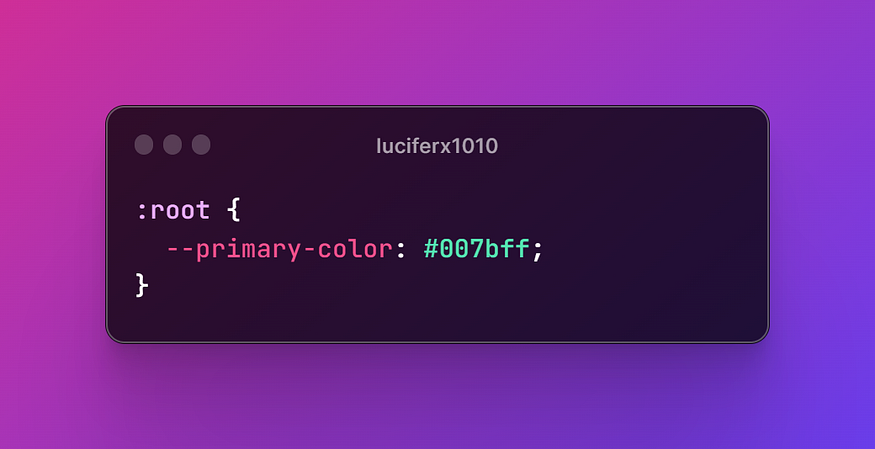
Then, you can use the variable in your code like this:
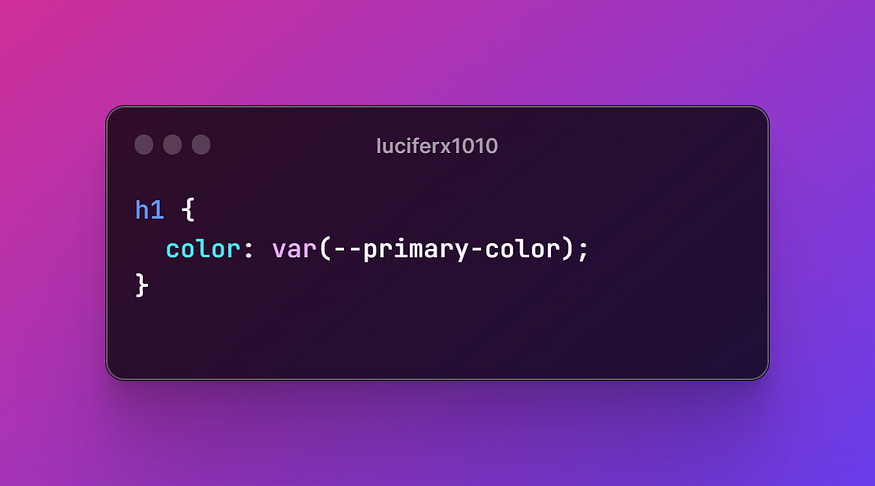
If you ever need to change the primary color, you only need to update it in one place.
2. Use Shortcuts for Margin and Padding
Instead of writing out margin and padding properties separately, you can use shortcuts to save time. For example, instead of writing:

You can write:

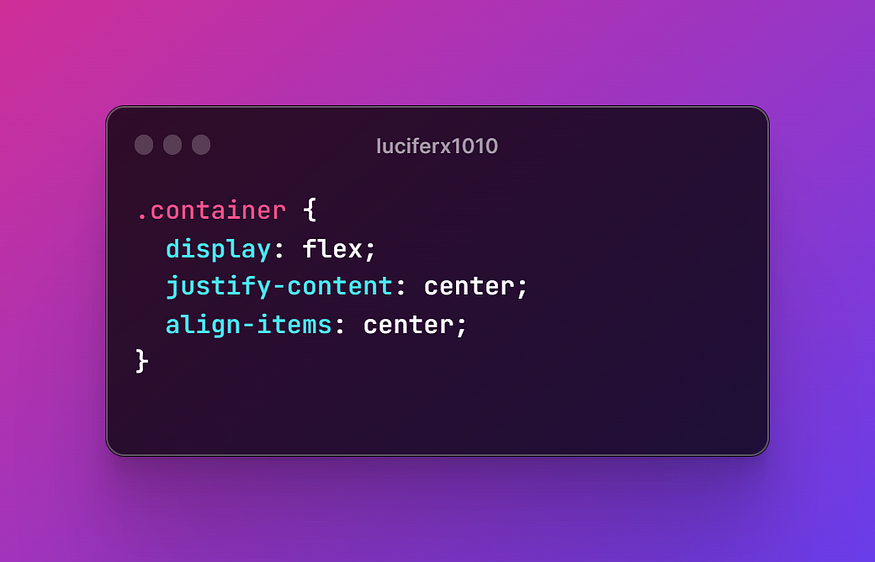
3. Use Flexbox
Flexbox is a powerful CSS layout tool that can save you time when positioning elements on your website. With flexbox, you can easily center elements both horizontally and vertically, create responsive layouts, and more. Here’s an example of how to center an element horizontally and vertically with flexbox:
4. Use CSS Grid
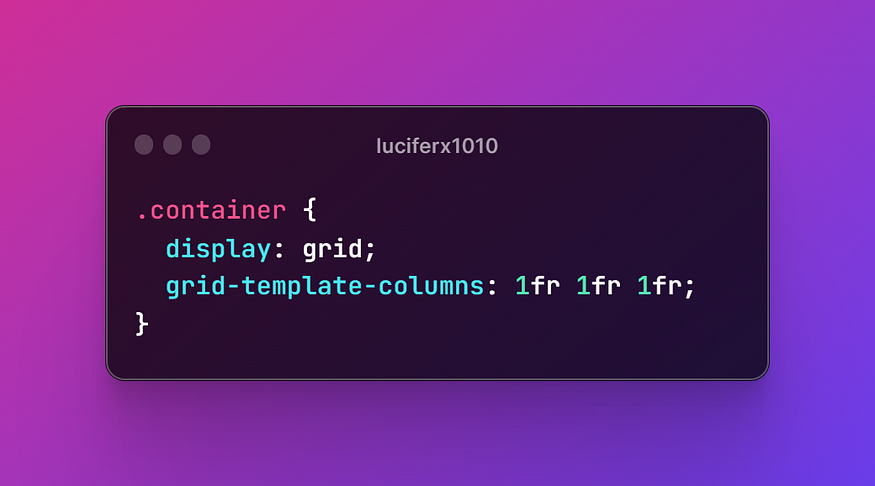
Similar to flexbox, CSS grid is another layout tool that can save you time. With grid, you can create complex layouts that would otherwise be difficult to achieve with other CSS techniques. Here’s an example of how to create a three-column layout with CSS grid:
5. Use CSS Animations
CSS animations can add a touch of interactivity and personality to your website. They can also save you time by allowing you to create animations without having to write JavaScript. Here’s an example of how to create a simple fade-in animation:
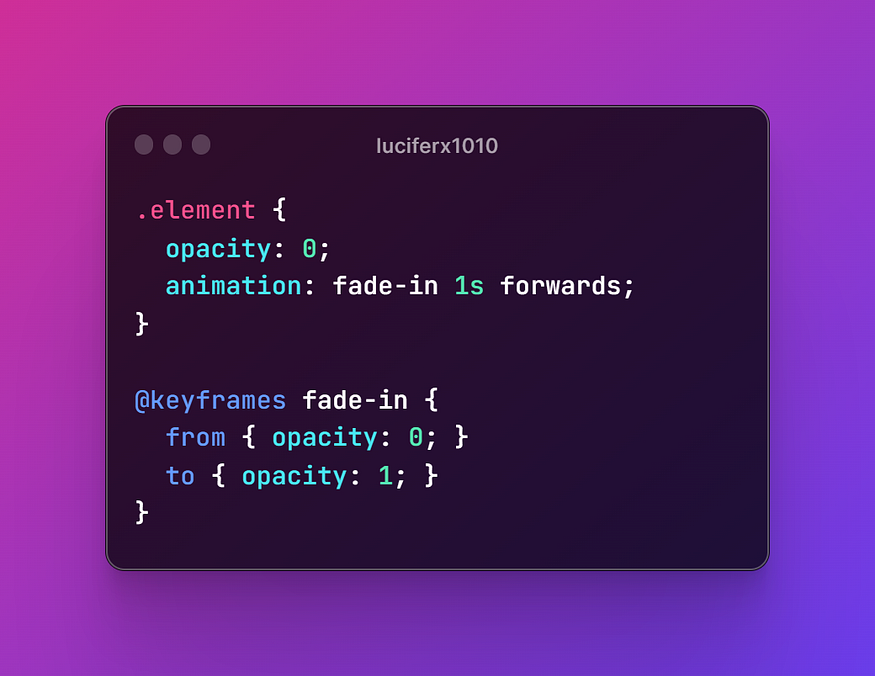
This sets the initial opacity of the element to 0 and then fades it in over the course of one second.
In conclusion, CSS can be a time-consuming aspect of web development, but with these five time-saving CSS tricks, you can streamline your workflow and create stunning designs more efficiently. Try implementing them in your next project and see how much time you can save! 🚀
 Dark Legion